
Spectrum router red light: What it means and 5 fixes that work
A spectrum router red light almost never means the router is dead. It usually means it lost its connection to the internet — and that’s fixable. Think of the red light like a check-engine light: annoying, but useful once you know how to read it.
Below: what each red light pattern means, then the fixes in the order you should try them. Most people are back online by step three or four.
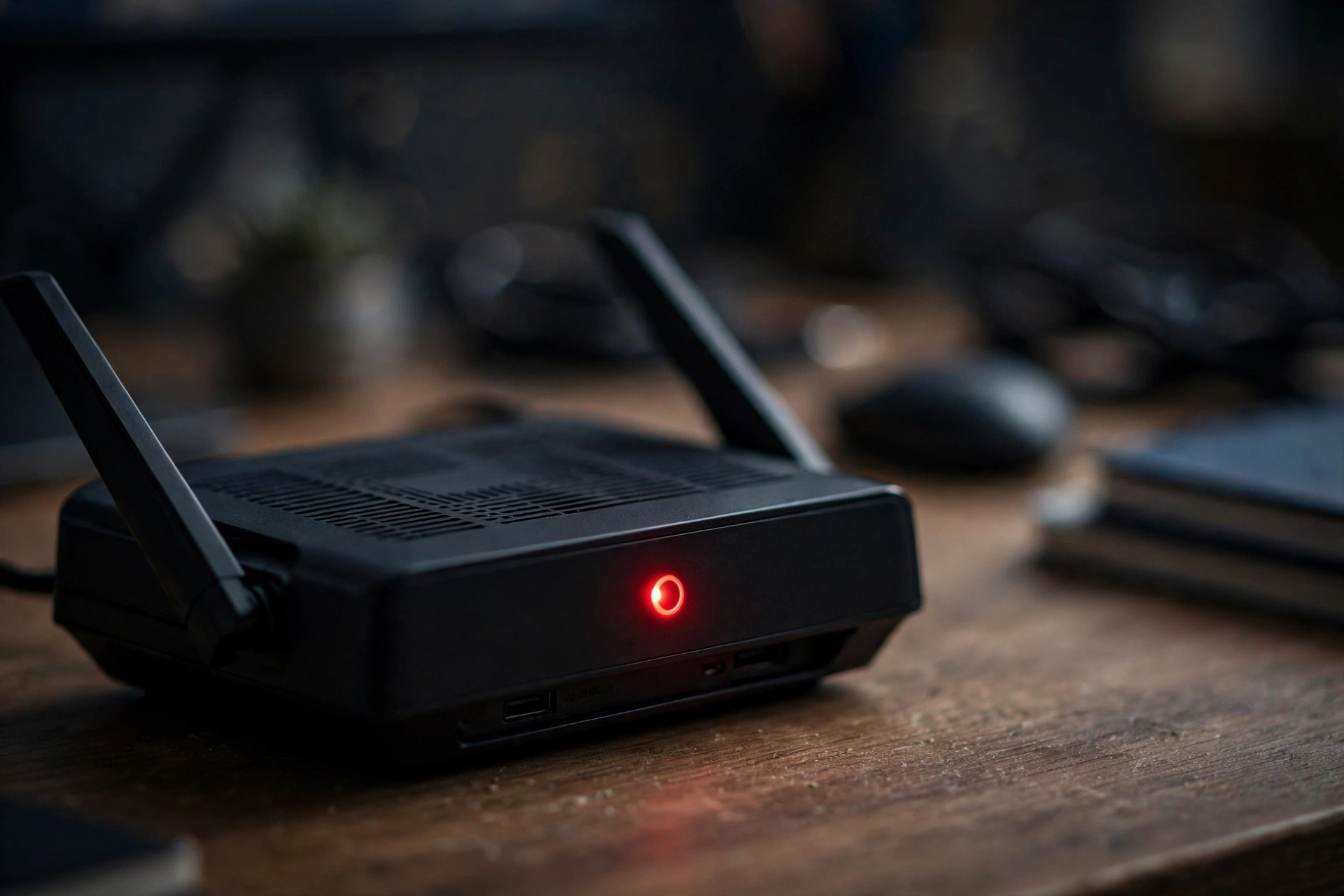
What the red light on your Spectrum router means
Not all red lights are the same. Before you unplug anything, look closely at what the light is actually doing. The pattern tells you what’s wrong.
| Light pattern | What it means |
|---|---|
| Blinking red | The router can’t reach the internet |
| Solid red | Critical error — the router can’t operate normally |
| Alternating red and blue | Firmware update in progress — do not unplug it |
| Blinking blue | Router is booting up or trying to connect |
| Solid blue | Connected and working normally |
Blinking red is the most common spectrum router red light pattern. The router is powered on and trying, but it can’t establish an internet connection. This is usually a modem issue, a cable issue, or a Spectrum-side problem — not a broken router.
Solid red is more serious: the router has hit a critical error and can’t function. Try the same fixes below, but if a spectrum router solid red light survives a power cycle and a factory reset, the unit itself may need replacing.
Red and blue alternating looks alarming but it’s normal — the router is installing a firmware update. The only rule: don’t unplug it while it’s doing this. Give it up to 15 minutes. Cutting power mid-update is one of the few ways to actually break a router.
One more thing: the router and the modem are two different boxes (unless you have a combo unit). The router’s red light is about the router’s connection. Your modem has its own lights telling a different story — we’ll get to that next.
First: check for a Spectrum outage
I know — you want to start unplugging things. Don’t. Not yet.
If Spectrum is having an outage in your area, no amount of rebooting will fix your red light. You’ll waste twenty minutes power cycling equipment while the real problem is a crew fixing a line three streets over. Check this first. It takes sixty seconds.
The fastest way: open the My Spectrum app. Go to Account, then Services, then Equipment. If there’s an outage affecting you, it’ll say so right there. The app can also reboot your equipment remotely — worth trying if it offers the option.
No app? Call 1-833-267-6094. The automated system usually reports area outages before you reach a person. You can also check spectrum.net/support, though the app tends to be faster.
If there IS an outage, stop here. A spectrum router red light caused by an outage will clear on its own once Spectrum resolves it — though you may need to reboot your router once service returns (covered below).
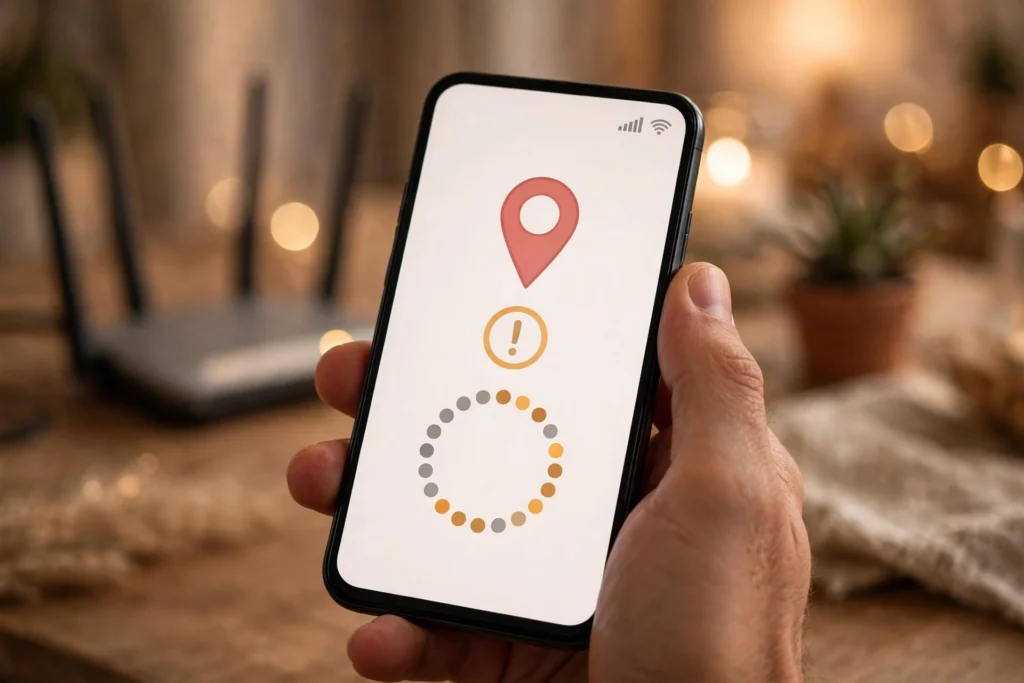
Look at your modem before your router
Here’s what most guides bury: when your Spectrum router shows a red light, the real problem is often the modem, not the router.
The modem is the box that talks to Spectrum. The router takes the modem’s connection and shares it over WiFi. If the modem isn’t getting a signal, the router has nothing to share — and shows you a red light to complain about it.
Walk over to your modem (the box with the coax cable screwed into the back). Check its lights:
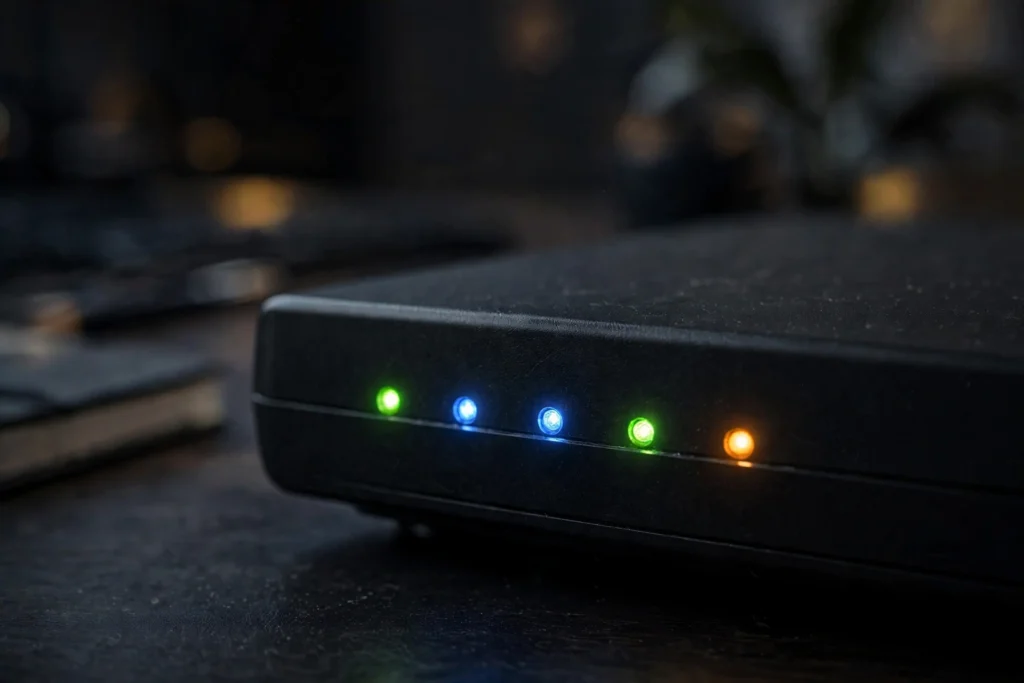
- Online light solid: the modem is fine. The problem is between the modem and router, or the router itself. Move to the cable check.
- Online light blinking or off: the modem isn’t connecting to Spectrum. The router’s red light is just a symptom — focus on the modem.
- All modem lights off: no power. Check the power cable and outlet.
If you have a gateway (a combo box that does both), there’s only one box and the red light is the whole story. The fixes below still apply in the same order.
Check every cable
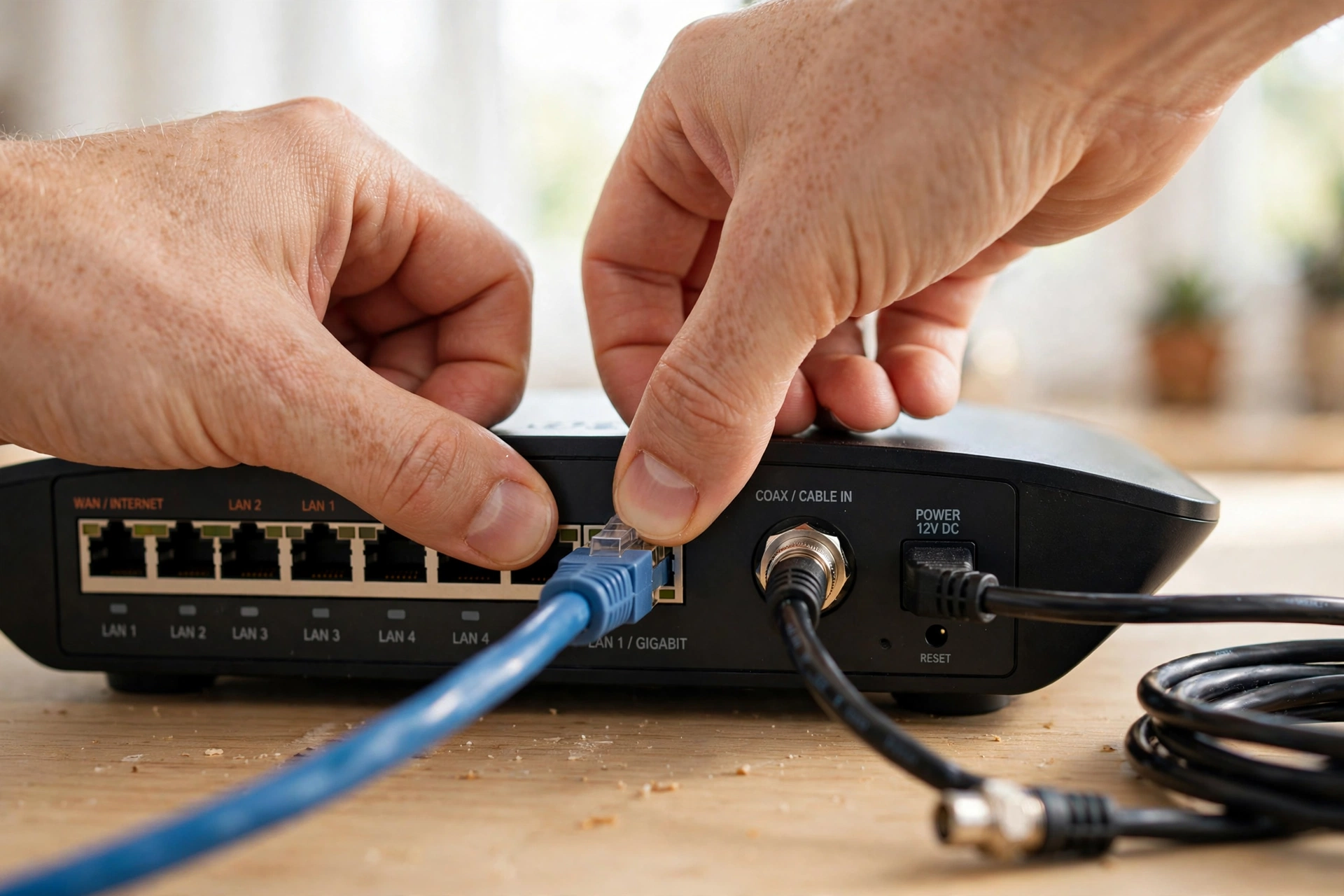
Sounds too simple. It’s not — loose cables cause an embarrassing number of spectrum router red light cases. Put your hand on each one, don’t just glance:
- Router power cable. Push it firmly into the back of the router, then check the wall or power strip end. If it’s on a strip, confirm the strip is switched on.
- Modem power cable. Same — firm at both ends.
- Coax cable on the modem. Unscrew it, check the copper pin inside isn’t bent, then screw it back on finger-tight. Not wrench-tight — over-tightening damages the connector.
- Ethernet cable between modem and router. Unplug both ends and reconnect until you feel the click. Try a spare cable if you have one — they go bad, especially when bent sharply behind furniture.
- Splitters. If your coax runs through a splitter (common with TV + internet), check those connections. A loose splitter is a classic cause of drops that show up as a red router light.
Also look for damage: chewed cables, cables pinched under furniture, coax with a sharp kink. If you fixed anything loose, give the router a minute — the light may go red to blinking blue to solid blue on its own.
Power cycle in the right order
If the cables are fine, it’s time for the classic spectrum router red light fix. But order matters — doing this wrong is why some people reboot three times and nothing changes.
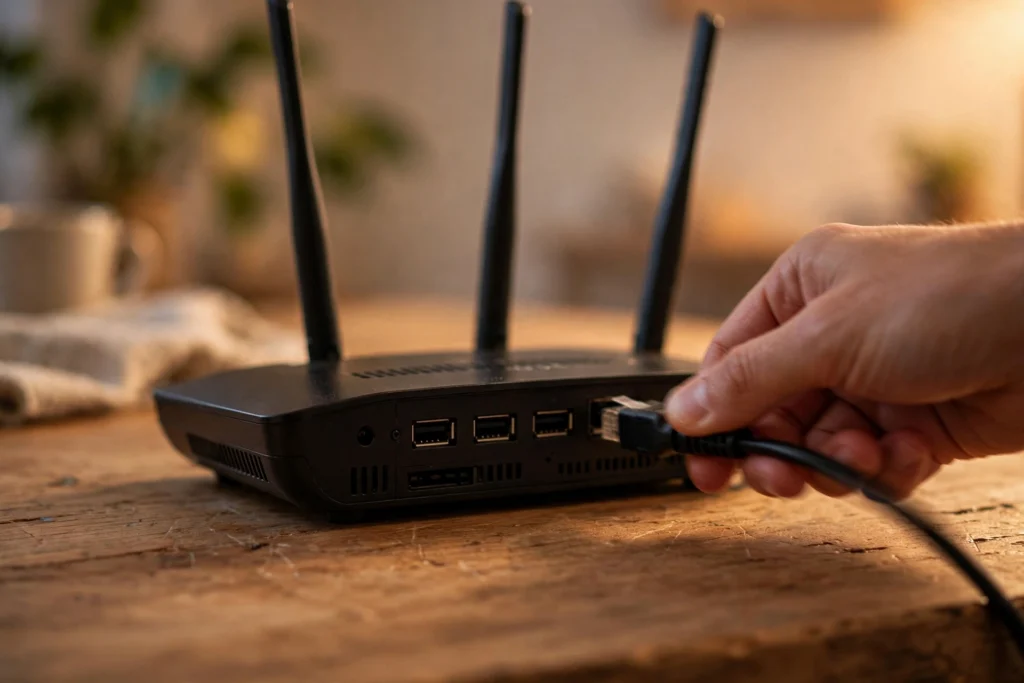
- Unplug power from both the modem and the router. Pull the cables from the back of each box — don’t just switch off a power strip.
- Wait a full two minutes. Not thirty seconds. Two minutes. This lets the modem fully release its connection and clears the router’s memory. Use your phone timer — most people don’t wait long enough, and that’s the top reason a power cycle “doesn’t work.”
- Plug the modem back in first. Only the modem. Wait for its Online light to go solid — two to five minutes. Don’t rush it.
- Now plug the router back in. Give it two to three minutes to boot. You’ll likely see blinking blue, then solid blue.
- Check the light. Solid blue means you’re back. Still red after five minutes? Keep going down this guide.
Why modem first: if the router powers up before the modem is online, it tries to connect, finds nothing, and hands you the red light again. Modem first, always. This single detail fixes most “I already tried rebooting” situations — and it’s the most reliable answer to how to fix spectrum router red light issues that won’t clear.
If it’s blinking red and blue: just wait
Alternating red and blue means a firmware update is in progress. Spectrum pushes these automatically, usually overnight. The fix is patience — do nothing. Don’t unplug it, don’t reset it. Interrupting a firmware update mid-install is one of the few ways to actually brick a router.
Give it up to 15 minutes. Most finish in five to ten, then the router reboots itself and settles on solid blue.
Still blinking after 20 minutes? Something went wrong with the update. Do the power cycle above — modem first, then router. If the red-blue blinking returns and won’t stop, call Spectrum. They may need to push the update again or replace the unit.
Factory reset as a last resort
If nothing above cleared your spectrum router red light — no outage, modem looks fine, cables checked, proper power cycle done — a factory reset is the last step before calling Spectrum.
Warning: this wipes everything. WiFi name, password, custom settings — all back to the defaults on the router’s sticker. You’ll set up WiFi again afterward. If someone else configured your network, consider calling Spectrum first and having them walk you through it.
How to do it:
- Find the reset pinhole on the back of the router (labeled “Reset”). You’ll need a paperclip.
- With the router powered on, press and hold for 10–15 seconds. The lights will flash and it will reboot.
- Wait a full five minutes. Don’t touch it.
- Check the light. Solid blue means you’re fixed — reconnect devices to the default WiFi network on the sticker, then rename things in the My Spectrum app if you like.
Red light returns after a factory reset? That’s a hardware problem or a provisioning issue on Spectrum’s end. Time to call.
When to call Spectrum (and what to tell them)
Call when the spectrum router red light survives a proper power cycle and factory reset, the modem’s Online light won’t go solid, the router is stuck blinking red and blue for 20+ minutes, or the red light keeps returning every few days.
The number: 1-833-267-6094 for internet support.
What to tell them so you skip the forty-minute script:
“My Spectrum router has a [blinking/solid] red light. I’ve checked for outages in the app, checked all cables, power cycled modem-first with full wait times, and [done / not done] a factory reset. The modem’s Online light is [solid / blinking / off].”
That paragraph tells the rep exactly where you are. Two things worth asking on the call:
- A replacement router. If yours is old and the red light keeps returning, ask for a swap. Spectrum replaces failing rented equipment, usually at no charge.
- A technician visit. If the modem can’t get online either, the problem may be the line into your house — signal levels, a damaged drop cable, water in a connection box. Ask them to check your signal levels remotely first; if they look bad, they’ll schedule a tech.
How to keep the red light from coming back
- Give it room to breathe. Spectrum’s routers run warm, and heat causes the flaky behavior behind many red lights. Don’t wedge it behind the TV or inside a closed cabinet — a few inches of clearance on all sides makes a real difference.
- Reboot through the app at the first sign of trouble. If speeds dip or the connection drops briefly, open the My Spectrum app and reboot your equipment remotely before it degrades into a full red light. Catching it early beats a 10-minute outage.
- Ask for an equipment swap if problems recur. If you rent and the red light keeps returning every few weeks, the router is likely wearing out. Call 1-833-267-6094 and ask for a newer model — Spectrum swaps failing rented equipment free, and the newer units handle firmware updates more reliably.
For more step-by-step Spectrum troubleshooting guides, browse our Spectrum fixes.
Frequently asked questions
What does a red light on my Spectrum router mean?
It depends on the pattern. Spectrum router blinking red means it can’t reach the internet — the most common case, and usually fixable. Solid red means a critical error where the router can’t operate. Alternating red and blue means a firmware update is in progress — leave it alone for up to 15 minutes.
What’s the difference between a blinking red light and a solid red light?
Spectrum router red light meaning changes with the pattern: blinking means the router works but can’t establish a connection — the issue is usually upstream (modem, cables, Spectrum). Solid means the router itself has faulted. Try the same fixes for both, but solid red surviving a factory reset usually means the hardware needs replacing.
How do I fix the red light on my Spectrum router?
In order: check for a Spectrum outage, look at your modem’s lights, check every cable, then power cycle modem-first with full wait times. Red and blue blinking means a firmware update — just wait. Factory reset is the last resort before calling Spectrum at 1-833-267-6094. Full steps are in the guide above.
Why is my Spectrum router blinking red and blue at the same time?
Firmware update in progress — Spectrum pushes these automatically. Don’t unplug the router. Give it up to 15 minutes; it’ll reboot itself when done. Still blinking after 20 minutes? Power cycle it (modem first). If the blinking returns and won’t stop, call Spectrum.
Is the red light on my Spectrum router serious?
Usually not. Blinking red means it can’t get online, and the cause is most often simple — a loose cable, a modem needing a reboot, or a Spectrum outage. Solid red is more concerning, but work through the fixes before assuming the worst.
Will a power cycle fix the red light?
Often — but only done right. Unplug modem and router, wait a full two minutes, plug the modem back in first and wait for its Online light to go solid (2–5 minutes), then plug in the router. Most failed power cycles fail because someone didn’t wait long enough or powered the router before the modem was ready.
How long should I wait after unplugging my Spectrum router?
Two full minutes with everything unplugged. Then after plugging the modem back in, wait for its Online light to go solid — another two to five minutes. Then give the router two to three minutes. Total: about ten minutes. Rushing is the top reason people think “rebooting didn’t work.”
Will Spectrum replace my router if the red light won’t go away?
If you rent and the router is genuinely failing — red light survives a factory reset, keeps returning, or won’t finish firmware updates — they should swap it. Call 1-833-267-6094, describe what you’ve tried, and ask for a replacement. Swapping faulty rented equipment is typically free.